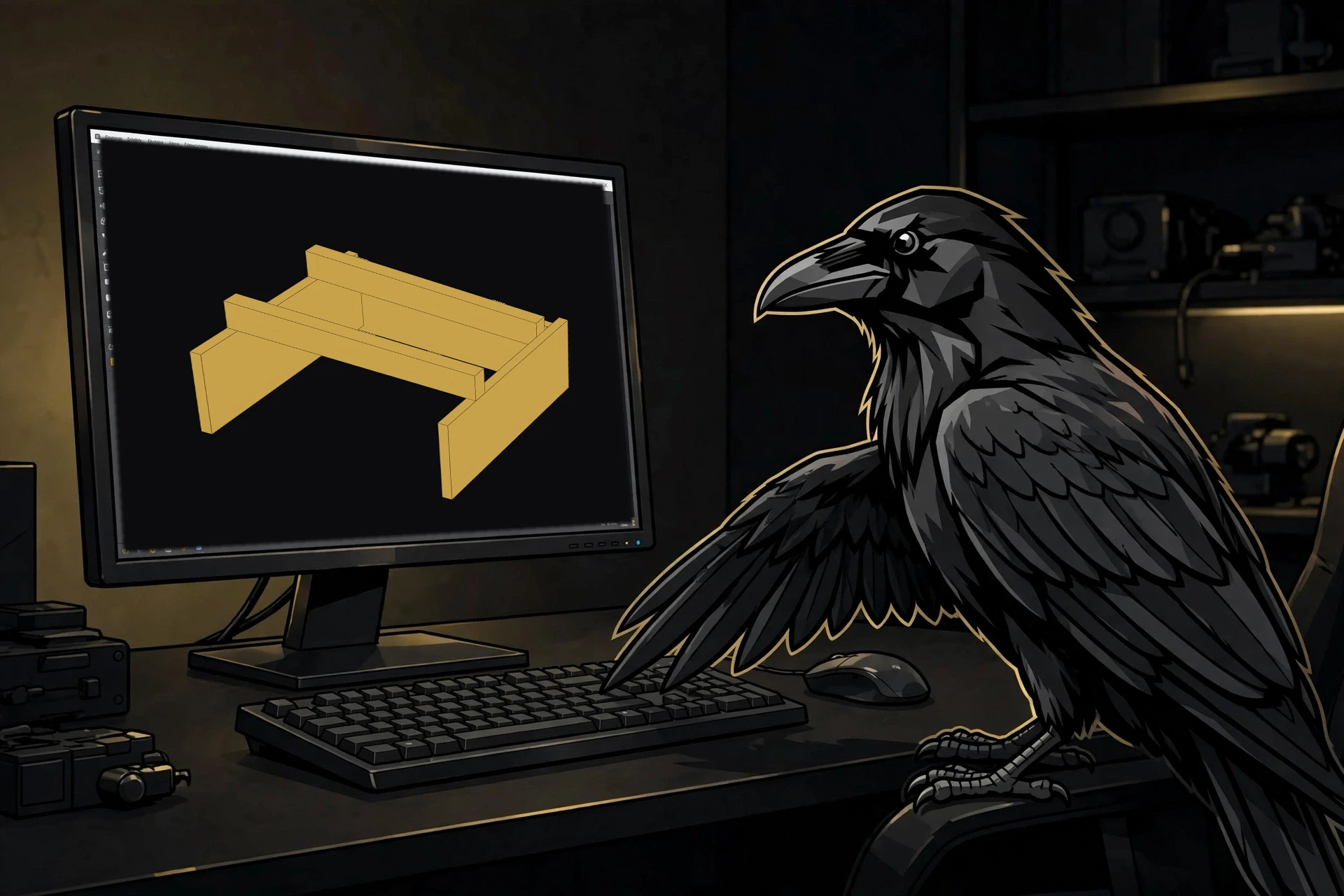
What it is
Four toolbar buttons, in pipeline order: import → quality gate → analyze → deviation check. The buttons themselves won't let you run stages out of order. Each project lives in a folder with a manifest — the same format the mesh-to-cad CLI writes, so CLI and workbench projects are interchangeable.
AI-generated meshes are a first-class source type: intake treats them as unitless (you set the intended size), and every result reminds you the mesh carries no real dimensions.
Honest limits
The pipeline's honest limits carry over unchanged: no one-click scan-to-CAD, no magic buttons, no invented geometry. A needs-rescan verdict is a feature, not a bug. Until a stage is automated, the task panels explain themselves — the directions are the automation.
Install
In FreeCAD: Tools → Addon Manager → search "MeshToCAD" → Install, then restart and switch to the MeshToCAD workbench. CloudCompare is an optional soft dependency for the deviation check — everything else works without it, and the panel tells you exactly what's missing instead of failing silently.
Status
Early — MVP scope. Real-device testing is still ahead. Post-MVP roadmap: rebuild guidance panel, verification report, and STEP/STL/TechDraw export — the stages the MVP deliberately leaves manual.
Built with
Standing on the shoulders of FreeCAD and CloudCompare (optional — only needed for the deviation check).